
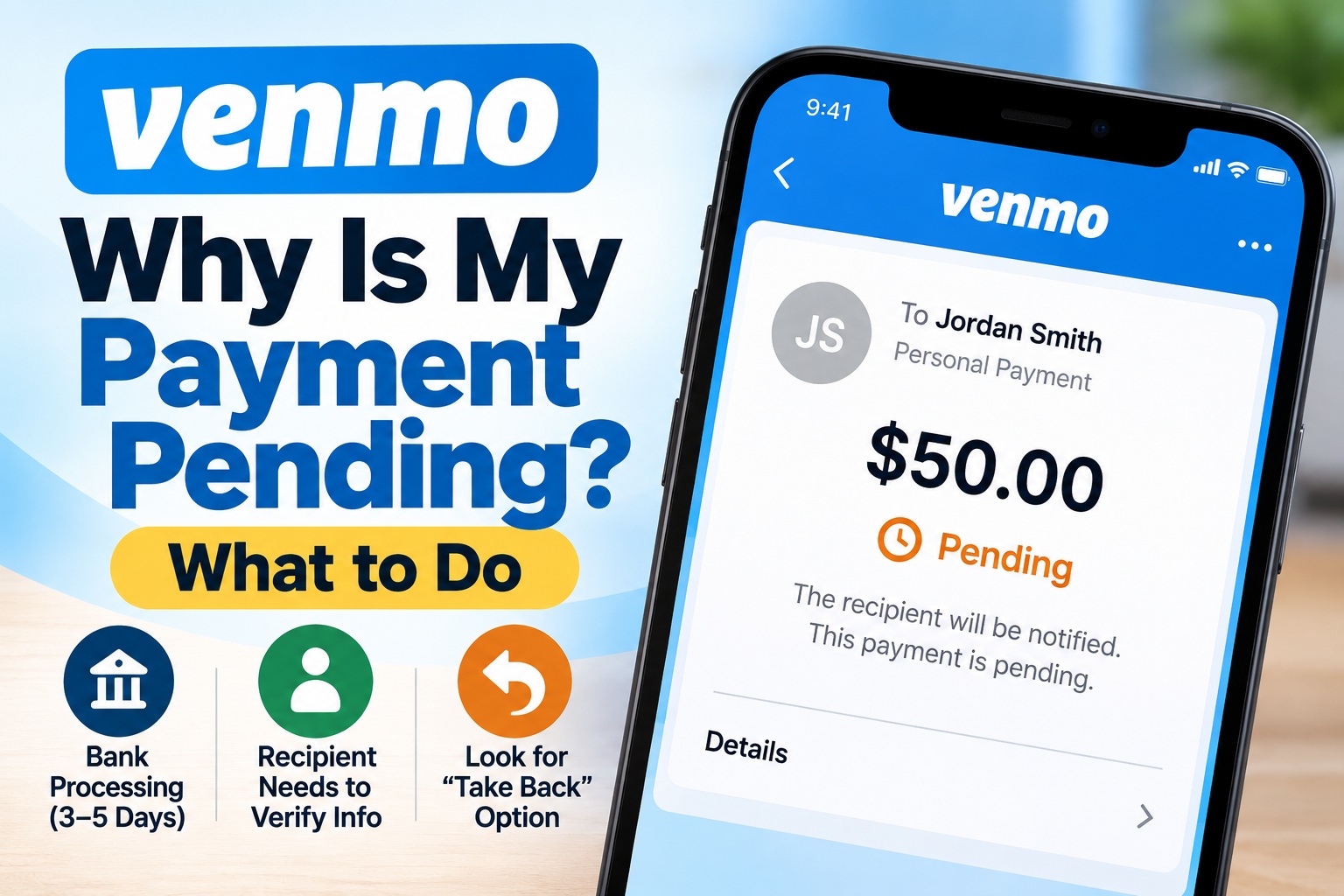
Why Is My Venmo Payment Pending? What to Do
A pending Venmo payment does not always mean something has gone wrong. The correct next step depends on why Venmo marked the transaction Pending.
The most useful clue is inside the payment details. Check whether Venmo shows an estimated completion date or whether the payment is waiting for the recipient to claim it.
Why Is My Venmo Payment Pending?
Venmo’s current help documentation identifies two main reasons a personal payment may appear as Pending.
| Pending Situation | What It Means | What to Check |
|---|---|---|
| Bank-funded payment processing | Your bank needs additional time to process the payment. | Open the transaction and look for Venmo’s estimated completion date. |
| Recipient hasn’t claimed payment | The email address or phone number used may not be verified or associated with an active Venmo account. | Confirm the exact contact information with the recipient. |
| Payment shows Completed | This is no longer the ordinary pending-payment situation described here. | Do not try to stop a completed payment through your bank without first understanding the consequences. |
| Payment is under review | This is a different status/process from an ordinary pending bank payment. | Follow Venmo’s instructions and any request for additional information. |
1. Is Your Bank Still Processing the Venmo Payment?
For certain payments funded directly from a bank account, Venmo says the sender’s bank may require additional time to process the transaction.
These payments typically take 3–5 business days to complete.
Importantly, Venmo says this particular processing situation applies to payments using a bank account, rather than payments funded with a debit card, credit card or money already in your Venmo balance.
2. When Will the Recipient Receive a Bank-Funded Payment?
If your bank-funded Venmo payment is pending, Venmo says the recipient receives the money in their Venmo account once the transaction completes.
For the bank-processing situation described above, that typically means 3–5 business days.
Venmo says both the sender and recipient are notified when the payment completes.
3. Did You Send Money to an Unverified Email or Phone Number?
This is the second major reason Venmo gives for a personal payment showing as Pending.
If you send money to a phone number or email address that is not verified or isn’t associated with an active Venmo account, Venmo says the payment will appear as Pending in your transaction feed.
Your payment method can still be charged even though the recipient has not yet received the money.
The recipient needs to finish setting up their account or verify the relevant contact information before receiving the payment.
4. Verify the Recipient’s Information
Before sending another payment, ask the recipient to confirm the exact contact information associated with their Venmo account.
Check exactly which username, phone number or email address received the payment.
Don’t rely only on the fact that they “have Venmo.” Confirm the specific contact information.
If the payment is unclaimed because the destination email or phone number isn’t associated with an active Venmo account, Venmo may allow you to take it back.
Understand what happened to the first payment before creating a second transaction.
Venmo Pending Payment Checker
What Should You Do Next?
Select what you see in Venmo. This checker does not access your account.
Can I Cancel a Pending Venmo Payment?
It depends on why the payment is pending.
If the recipient hasn’t claimed it
Venmo says you can cancel an unclaimed payment when it was sent to a phone number or email address that isn’t associated with an active Venmo account.
In the Venmo app:
- Go to the Me tab.
- Find the transaction near the top of your Transactions feed.
- Look underneath the payment.
- Tap Take Back if the option is available.
Venmo also allows eligible pending payments to be canceled through its website.
If your bank is still processing it
Venmo says that if the transaction is Pending with an estimated completion date, you can contact your bank if you want to attempt to cancel rather than wait.
Can Venmo Speed Up a Pending Payment?
For a bank-funded payment still processing, Venmo says there isn’t a way to expedite the pending transaction.
Venmo suggests that future delays of this type may sometimes be avoided by using a linked debit card or by linking and verifying a bank account using the available instant verification method.
What Happens If Nobody Claims the Pending Payment?
For a payment pending because it was sent to an email address or phone number that isn’t associated with an active Venmo account, Venmo says an unclaimed payment that is neither claimed nor taken back will automatically expire after 30 days.
The money is then returned to the original payment method.
How Long Does a Venmo Take Back Refund Take?
The return time depends on the original funding source.
| Original Funding Source | Venmo’s Current Guidance After Take Back |
|---|---|
| Venmo balance | The returned money should generally be reflected right away. |
| Bank account | Venmo says it can take up to 5 business days for the money to return. |
| Credit or debit card | Venmo says the return can take up to 7 business days to appear on the statement. |
Venmo notes that these return timelines can be affected by external factors and cannot be expedited.
Why Was My Payment Method Charged if Venmo Still Says Pending?
This can be particularly confusing when the recipient has not claimed the payment.
Venmo says that when a payment is pending because it was sent to an unverified or unassociated phone number or email address, your payment method can still be charged even though the money has not yet reached the recipient.
That is why you should check the Venmo transaction status before assuming that a debit from your bank means the recipient already received the money.
Pending Is Different From a Declined Venmo Payment
A pending payment should not be confused with a payment that Venmo says cannot be completed.
Venmo’s current declined-payment guidance says a payment can fail because the bank or card issuer declined the transaction or because the payment triggered an automated Venmo security flag.
That is a different troubleshooting path from a transaction that has already been accepted but remains Pending.
What Does “Payment Under Review” Mean?
Venmo may also review certain payments as part of its security and regulatory processes.
According to Venmo, payments specifically flagged for review are typically resolved within 48 hours. Venmo may contact you by email if additional information is required.
That 48-hour guidance applies to the separate payment-under-review process and should not be confused with the 3–5 business-day guidance for certain bank-funded pending payments.
Venmo Pending vs Bank Transfer Pending
Another important distinction is whether you are:
- sending another person a Venmo payment, or
- transferring your Venmo balance to your own bank.
Those are different processes.
For transfers from Venmo to a bank, Venmo currently says an Instant Transfer may show Pending for around 30 minutes, while a standard bank transfer can take up to three business days in some circumstances.
This article focuses primarily on personal Venmo payments to another person.
What Should I Do Before Sending the Payment Again?
Check all of these first:
- Open the original transaction.
- Confirm whether it says Pending, Completed or Under Review.
- Check whether Venmo displays an estimated completion date.
- Confirm the recipient’s username, email address or phone number.
- Look for the Take Back option.
- Check which funding source you used.
Quick Answers
| Question | Answer |
|---|---|
| Why is my Venmo payment pending? | A bank-funded payment may still be processing, or the recipient’s email/phone information may not be verified or associated with an active Venmo account. |
| How long can a bank-funded pending payment take? | Venmo says these payments typically take 3–5 business days. |
| Can I cancel a pending Venmo payment? | An unclaimed payment may be eligible for Take Back. A bank-funded Pending payment with an estimated completion date has different cancellation guidance. |
| What does Take Back mean? | It allows an eligible unclaimed pending payment to be returned to you. |
| What if nobody claims it? | Venmo says eligible unclaimed payments automatically expire after 30 days if they are neither claimed nor taken back. |
| Can Venmo make a bank-funded pending payment faster? | Venmo says there is no way to expedite this type of pending payment. |
| Should I send the payment again? | Not until you understand what happened to the original payment, because it may still complete. |
When Should You Contact Support?
Contact Venmo or your financial institution when the transaction does not match the normal situation described in the payment details, when you do not recognize the payment, or when Venmo specifically directs you to contact your bank.
For account-specific issues, use support options inside the official Venmo app or website rather than relying on phone numbers found in unsolicited emails, text messages or search advertisements.
Bottom Line
If you’re wondering why your Venmo payment is pending, start by determining which type of pending transaction you have.
A bank-funded personal payment may need additional processing time, which Venmo says typically takes 3–5 business days. Alternatively, the payment may be waiting because the email address or phone number used isn’t verified or associated with an active Venmo account.
If you see Take Back, the payment may be unclaimed and eligible to be canceled. If Venmo provides an estimated completion date, you may instead be dealing with bank processing.
Check the original transaction before sending the recipient another payment.
Official Sources
Venmo — My Personal Venmo Payment Is Pending
Official Venmo Pending Payment Guide
Venmo — Payments & Requests FAQ
Official Venmo Payments FAQ
Venmo — Cancel Payment
Official Venmo Cancellation Guidance
Venmo — Payment Declined
Official Venmo Declined Payment Guide
Venmo — Bank Transfer Issues
Official Venmo Bank Transfer Guidance
Independent consumer information: BillUnpacked is an independent consumer-information website and is not affiliated with Venmo, PayPal or any bank or card issuer. Venmo and other trademarks belong to their respective owners. Payment processing and account-specific outcomes can vary. For a transaction involving your account, use Venmo’s official support service or contact your financial institution.