
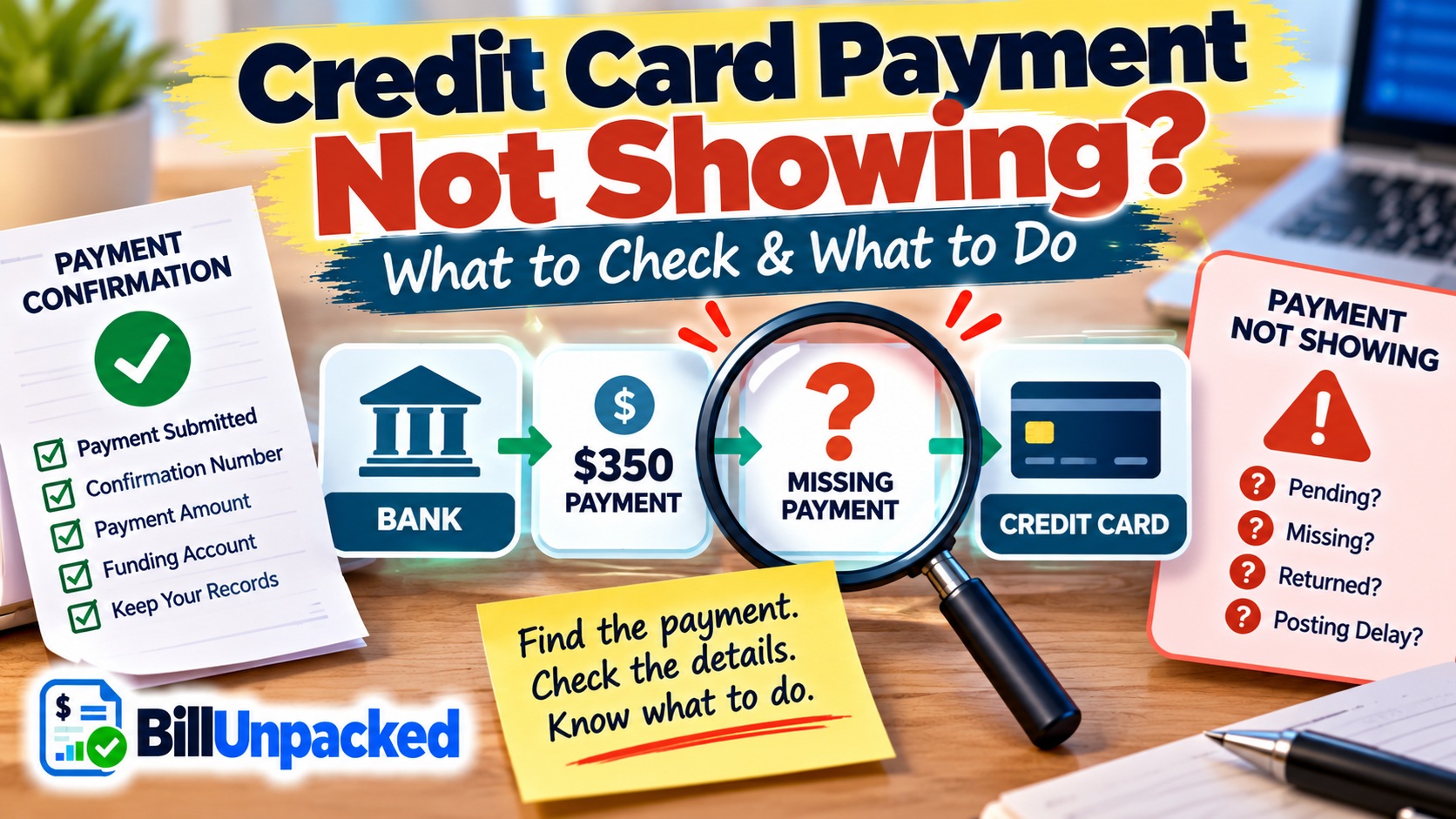
If your credit card payment is not showing, first confirm that you actually submitted it, then compare the card account with the bank account used to make the payment. A missing payment can be different from a payment that is merely pending or one that was returned. If the payment is missing from a statement that should have reflected it, contact the card issuer promptly and preserve your payment records.
Where Is the Payment Missing?
Before troubleshooting, identify exactly what “not showing” means.
| What You See | What to Check Next |
|---|---|
| Payment not visible immediately after submitting it | Check confirmation and whether the issuer shows it as pending or processing. |
| Payment visible as pending | It is not actually missing. Check the payment status and due date. |
| Bank account was debited, but card shows no payment | Keep proof of the debit and contact the card issuer. |
| Payment disappeared after appearing earlier | Check whether it was returned or reversed. |
| Payment missing from a periodic statement | Contact the issuer and consider the formal billing-error procedure. |
How Should a Credit Card Payment Normally Move?
Your online account may use different labels, and the visible status does not necessarily establish the legal date on which the payment was credited.
Current Regulation Z generally requires a creditor to credit a conforming payment to the consumer’s account as of the date of receipt, subject to the regulation’s exceptions and payment requirements.
What Should I Check First?
Find Your Payment Confirmation
Start with evidence that the payment was actually submitted.
Look for:
- A confirmation number
- Payment amount
- Date and time submitted
- Funding account selected
- Scheduled payment date
- Email or app confirmation
A payment you intended to make but never successfully submitted is different from a payment the issuer received but failed to reflect correctly.
Check the Funding Bank Account
If you paid from a checking or savings account, inspect that account.
You might see:
- No debit
- A pending debit
- A completed debit
- A debit that was later reversed
If the bank shows a completed debit while the card account shows no payment, save evidence of that transaction.
Look for Pending or Processing Payments
The payment may not be missing at all. It may simply appear in a separate pending-payment area.
Check the card’s payment activity rather than looking only at the current balance or statement transaction list.
If it says pending, use our guide: Credit Card Payment Pending? What It Means & How Long It Takes .
Check Whether the Payment Was Returned
If the payment appeared and later vanished, look for a status such as:
- Returned
- Reversed
- Failed
- Rejected
- Canceled
A returned payment is not the same as a successfully received payment that is simply missing from the statement.
See: Credit Card Payment Reversed? What It Means & What to Do .
Missing Credit Card Payment Checker
Use this free tool to organize what you see before contacting the issuer. It does not connect to your bank or credit-card account.
Where Might My Payment Be?
Enter the information currently visible in your accounts.
What If the Money Left My Bank but the Payment Is Not Showing?
This is one of the most important situations to document.
Save evidence showing:
- The amount debited
- The bank transaction date
- The payment confirmation
- The card account receiving the payment
- Any reference or confirmation number
Then contact the card issuer through an official channel and explain that the funding account shows the debit but the payment is not reflected on the card account.
What If the Payment Is Missing From My Credit Card Statement?
This situation has specific federal consumer-protection guidance.
The Consumer Financial Protection Bureau says that if your payment does not show on your credit-card statement, you should let the credit-card company know. Calling can help resolve the problem quickly.
However, CFPB also says that to protect your rights you must send a written billing-error notice to the issuer.
What Happens After I Report the Missing Payment?
If you use the billing-error procedure and the issuer determines that you are correct, CFPB says the payment must be credited to your bill.
If the issuer determines that the bill is correct, it must explain the reason for its decision and tell you how much you owe and when payment is due.
During a qualifying billing-error dispute, CFPB guidance also explains that you should continue paying the undisputed amount according to the account agreement.
What If Incorrect Crediting Caused a Fee or Finance Charge?
Regulation Z §1026.10 contains an important protection.
If a creditor fails to credit a payment as required and the failure causes finance or other charges, the regulation requires the creditor to adjust the account so that qualifying charges caused by that failure are credited to the account during the next billing cycle.
That does not mean every late fee must automatically be removed. The rule applies when the creditor’s failure to credit the payment as required caused the charge.
Could My Payment Be Credited Even Though I Cannot See It?
Possibly.
Regulation Z distinguishes the legal crediting date from the date on which an issuer visibly posts the payment in an account interface.
The current rule generally requires the creditor to credit a conforming payment as of the date of receipt. Its official interpretation says this does not require the creditor to visibly post the payment on a particular date.
That is why an online display alone should not be used to determine whether a payment was legally credited on time.
What About a Payment Made Through the Issuer’s Website?
Regulation Z’s official interpretation contains specific guidance for payments made through a creditor’s website.
For a qualifying web payment, the date of receipt can depend on when the consumer authorizes the creditor to effect the payment and any permitted cut-off time.
If your due date is very close, check the issuer’s payment instructions and confirmation rather than assuming that clicking “Pay” at any hour produces the same effective date.
Missing vs Pending vs Reversed Payment
| Status | What It Generally Means | What to Check |
|---|---|---|
| Missing | You cannot find the payment where expected. | Confirmation, bank debit, payment history and statement. |
| Pending | The issuer displays the payment as processing. | Payment status, funding account and due date. |
| Returned / Reversed | The payment did not remain successfully credited. | Issuer reason and funding account. |
| Posted | The issuer displays the payment as completed. | Confirm amount, balance and statement. |
Should I Pay Again?
Do not make that decision solely because the payment is temporarily absent from the screen.
First determine whether:
- The payment was actually submitted.
- The funding bank account was debited.
- The card issuer has the payment pending elsewhere.
- The payment was returned.
- The payment is missing from a statement that should have reflected it.
If the due date is close and you cannot determine the status, contact the issuer promptly for account-specific instructions.
What Records Should I Keep?
Missing Payment Evidence
- Payment confirmation number
- Screenshot or receipt showing payment submission
- Payment amount
- Date and time submitted
- Funding account used
- Bank transaction record
- Credit-card payment history
- Periodic statement showing the missing payment
- Any related fee or finance charge
- Copies of written correspondence
Can I Use the Free BillUnpacked Payment Tools?
Yes. BillUnpacked’s Free Bill & Credit Card Calculators page includes tools for pending payments, reversed payments, refunds, charge differences and other common billing situations.
The calculators run in the browser and do not require visitors to enter card numbers or bank-account numbers.
Bottom Line
If your credit card payment is not showing, begin with evidence rather than immediately paying again.
Find the confirmation, check the funding bank account, inspect the card’s pending-payment area and determine whether the payment was returned.
If the payment is missing from a statement that should have reflected it, contact the issuer. CFPB guidance says that protecting your billing-error rights requires sending a written notice within the applicable 60-day period after receiving that statement.
Authoritative Sources
Consumer Financial Protection Bureau:
What Should I Do If My Payment Does Not Show on My Credit Card Statement?
Consumer Financial Protection Bureau — Regulation Z:
§1026.10 — Payments