
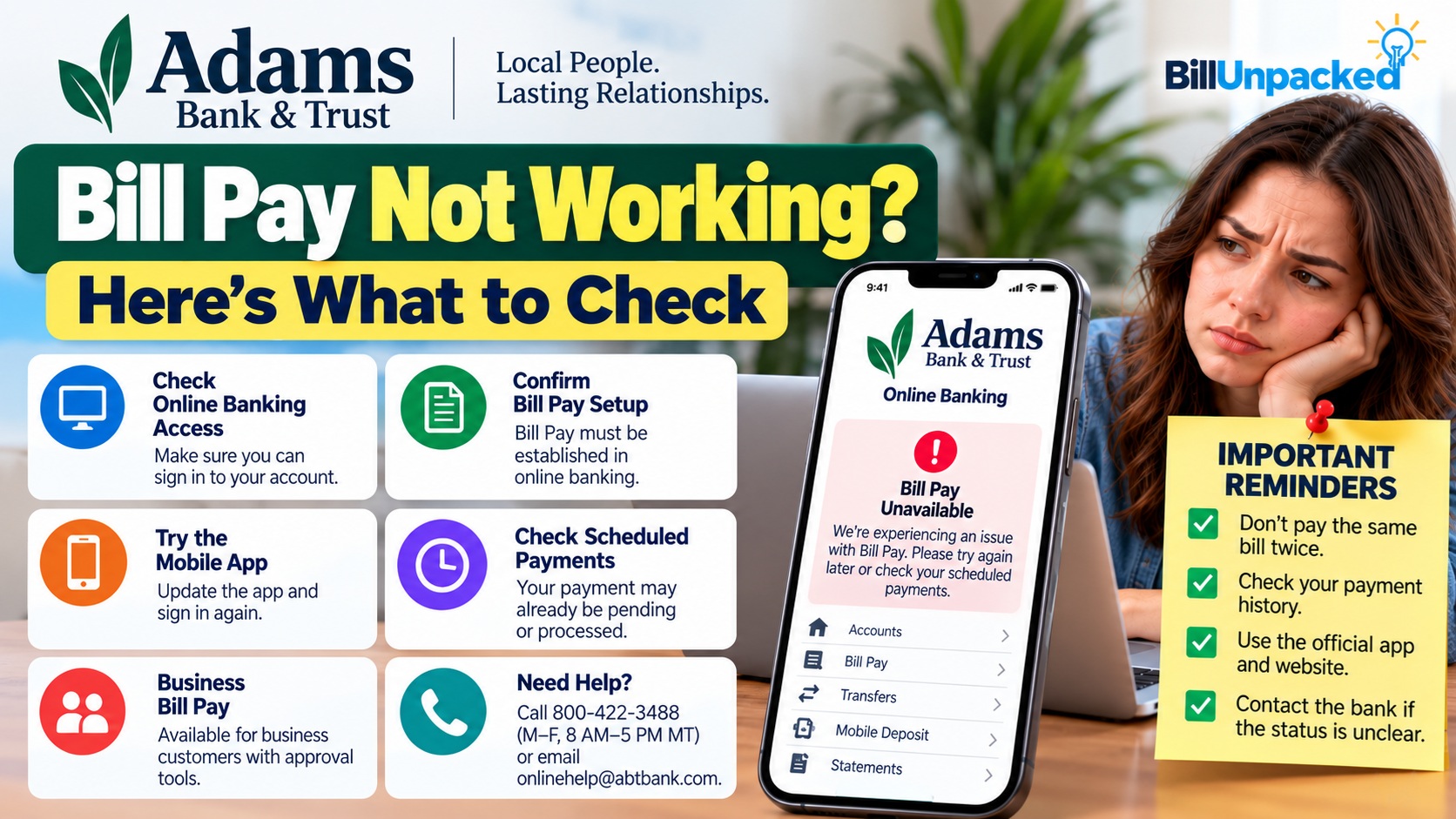
Adams Bank & Trust Bill Pay Not Working? What to Check
If Adams Bank & Trust Bill Pay is not working, first determine whether you can sign in to online or mobile banking at all. Adams Bank & Trust officially provides BillPay through both personal online banking and its mobile app. However, as of our latest check, we found no official bank announcement confirming a current systemwide Bill Pay outage. Don’t immediately resend a payment—check whether it is already scheduled or processed before trying another payment method.
Does Adams Bank & Trust Offer Bill Pay?
Yes. Adams Bank & Trust lists Billpay as a feature of its personal online banking service.
The bank also provides BillPay through its mobile banking application. Business Online customers have access to Billpay as well.
Why Might Adams Bank & Trust Bill Pay Not Work?
Without a confirmed systemwide outage, the first task is identifying where the failure occurs.
| Symptom | What to Check First |
|---|---|
| Can’t log in | Troubleshoot online/mobile banking access before Bill Pay itself. |
| Bill Pay missing | Confirm that BillPay is established for your online-banking account. |
| Mobile Bill Pay unavailable | Check the app and confirm BillPay was already established through online banking. |
| Payment appears pending | Check the payment status before sending another payment. |
| Only one biller fails | Check that payee rather than assuming the entire bank is down. |
| Everything is inaccessible | Check the bank’s official website or contact support for current service information. |
1. Check Whether Online Banking Works
Start with the main Adams Bank & Trust online-banking login.
If you cannot access your accounts at all, the problem is broader than the Bill Pay screen.
If online banking works normally but Bill Pay alone does not, continue with the Bill Pay-specific checks below.
2. Check Whether BillPay Is Already Established
This is particularly important for mobile users.
Adams Bank & Trust’s mobile-app information states that BillPay must already be established in online banking before bills can be paid through the mobile app.
3. Try Online Banking Instead of the App
If the mobile application opens but Bill Pay does not work correctly, sign in through Adams Bank & Trust’s official website.
The bank confirms Billpay is available through its personal online banking service.
This simple comparison can tell you whether you’re dealing with an app-specific issue or a broader account problem.
4. Update the Adams Bank & Trust App
If the problem occurs only on your phone, check whether an application update is available.
The bank’s mobile application provides account balances, transfers, mobile deposits and BillPay access.
After updating, close and reopen the application and sign in again.
5. Don’t Pay the Same Bill Twice
This is the most important precaution when Bill Pay appears to fail.
A slow screen, missing confirmation page or temporary login problem does not prove that the bank failed to submit the payment.
Before paying through the biller’s website:
- Check your Bill Pay history.
- Look for the scheduled payment.
- Check your account’s recent transactions.
- Check the biller’s account if appropriate.
- Contact the bank when the payment status is unclear.
6. Is Only One Payee Not Working?
If you can access Bill Pay and other bills work normally, the issue may be limited to one payee.
Review the payment information carefully, including:
- Payee name
- Account/reference number
- Payment amount
- Payment date
- Any recent changes to your biller’s payment information
Use information from the biller’s official statement or website rather than payment details received in an unexpected email.
7. Clear a Browser-Specific Problem
If Bill Pay works on your phone but not your computer, the issue may be browser-specific.
Try:
- Reloading the page once
- Signing out and back in
- Using a current supported browser
- Disabling an extension only if it is interfering with the banking page
Adams Bank & Trust maintains a technical-support page with links for updating major browsers.
8. What If My Bill Is Due Today?
If Bill Pay remains inaccessible and the payment has not already been scheduled, check whether the biller provides another official payment method.
This might include:
- Biller’s official website
- Official mobile application
- Telephone payment system
- In-person payment
Verify that there isn’t an existing Adams Bank & Trust payment first.
What About Business Bill Pay?
Adams Bank & Trust also provides Business Billpay.
The bank describes it as an integrated bill-payment service with a dashboard for managing bill-payment activity and reminders for upcoming bills.
Its business mobile application can also be used for bill-payment approvals.
How Do I Contact Adams Bank & Trust?
If you cannot determine whether a payment was submitted, contact the bank before sending it again.
Customer service: 800-422-3488
Support hours: Monday–Friday, 8 AM–5 PM MT
Online banking help: onlinehelp@abtbank.com
Use contact information obtained from Adams Bank & Trust’s official website rather than a number contained in an unexpected message.
Watch for Fake Bill Pay Support
If you’re having trouble accessing a bank account, search results, messages and social posts claiming to provide “instant support” can lead to impersonation scams.
Never provide an unknown caller with:
- Your online-banking password
- One-time verification codes
- Full debit-card credentials
- Remote access to your computer or phone
Navigate directly to the bank’s official website when you need help.
Quick Answers
| Question | Answer |
|---|---|
| Is Adams Bank & Trust Bill Pay down? | We found no current official announcement confirming a systemwide Bill Pay outage at the time this article was checked. |
| Does Adams Bank & Trust have Bill Pay? | Yes. Billpay is available through personal online banking and the mobile app. |
| Can I use Bill Pay in the mobile app? | Yes, but the bank says BillPay must already be established in online banking. |
| Does business banking have Bill Pay? | Yes. Adams Bank & Trust provides Business Billpay and mobile bill-payment approval features. |
| Should I pay again if Bill Pay freezes? | Not until you’ve checked whether the first payment was already scheduled or submitted. |
| What is the bank’s support number? | Adams Bank & Trust lists 800-422-3488. |
Bottom Line
If Adams Bank & Trust Bill Pay is not working, first determine whether the problem affects online banking, the mobile app, Bill Pay specifically or only one payee.
Adams Bank & Trust officially provides BillPay through its personal and business digital-banking services. However, BillUnpacked found no current official announcement confirming a systemwide Bill Pay outage when this guide was checked.
Check your payment history before trying another payment method. If the status remains unclear, contact Adams Bank & Trust rather than risking a duplicate bill payment.
Official Sources
Adams Bank & Trust — Personal Convenience Services
Official online banking and Billpay information
Adams Bank & Trust — Mobile App
Official mobile banking information
Adams Bank & Trust — Business Services
Official Business Online and Billpay information
Adams Bank & Trust — Contact
Official support contact information
Last checked: October 5, 2026. BillUnpacked is not affiliated with Adams Bank & Trust. Service conditions can change. Check the bank’s official website for current information before making a time-sensitive payment.