
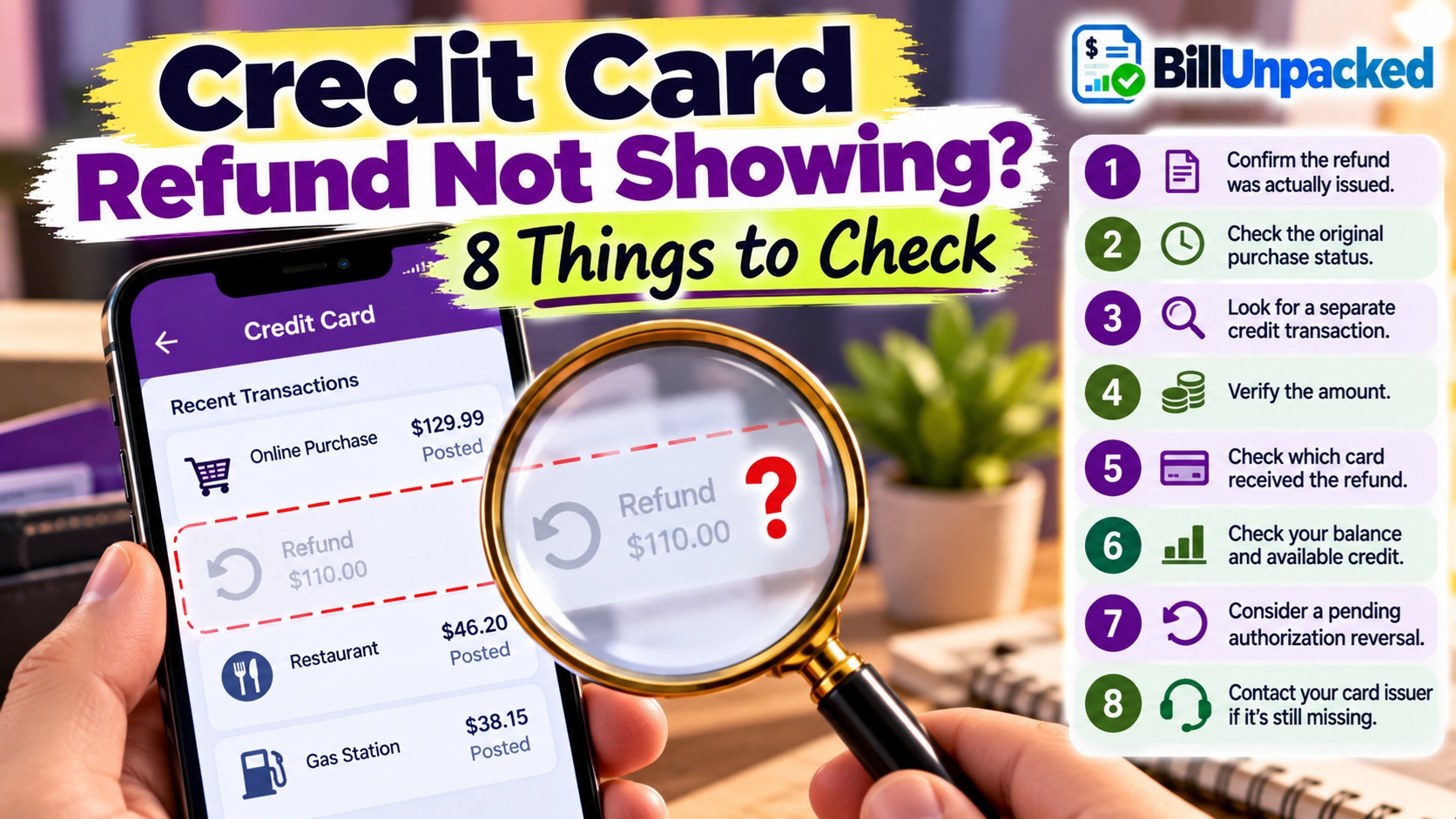
If a credit card refund is not showing, first confirm that the merchant actually issued the refund—not merely approved your return. Then check whether the original purchase was posted or still pending, search your card activity for a separate credit, verify the refund amount and payment method, and keep the merchant’s refund confirmation. If a promised credit still does not appear, contact your card issuer promptly.
Why Can a Refund Be Missing?
A missing refund does not always have the same cause.
Sometimes the merchant has approved a return but has not yet transmitted the credit. In other cases, the credit has been sent but is not obvious in the cardholder’s transaction list.
And if the original transaction was never finalized, you may not receive a traditional refund at all—the pending authorization may simply be released or reversed.
8 Things to Check When a Credit Card Refund Isn’t Showing
Confirm the Merchant Actually Issued the Refund
“Your return was accepted” and “your credit-card refund was processed” do not necessarily describe the same stage.
Ask the merchant for:
- The exact refund amount
- The date it was processed
- The payment method receiving it
- A refund receipt or confirmation
- Any available transaction or refund reference
Save the confirmation until the credit appears correctly.
Check Whether the Original Purchase Ever Posted
Open the original card transaction.
If it was still pending when the order was canceled, you might be waiting for an authorization release rather than a separate refund transaction.
If the authorization is released, the pending purchase may simply disappear.
Look for the Refund as a Separate Credit
Do not search only for the original purchase.
A refund might be displayed as:
- Refund
- Credit
- Merchant credit
- Return
- A negative transaction amount
The wording and interface vary by issuer.
Check the Amount Carefully
The refund might not equal the original transaction if the merchant issued only a partial refund.
For example:
| Transaction | Amount |
|---|---|
| Original purchase | $150 |
| Item kept by customer | $40 |
| Refunded merchandise | $110 |
| Expected refund | $110 |
Compare the merchant’s refund receipt rather than assuming the entire original charge should be returned.
Verify Which Card Received the Refund
Check which payment method was used for the original transaction.
This is especially useful if you have several cards or used a digital wallet.
If your physical card was replaced after the purchase, contact your issuer if you cannot locate the refund. Do not assume that a replacement card automatically means the refund is lost.
Check Whether the Refund Reduced Your Balance
A credit may affect your account balance even if you overlooked the transaction entry.
Compare:
- Current balance
- Available credit
- Recent credits
- Statement activity
If you had already paid the card before the refund arrived, the refund could potentially create a credit balance.
Make Sure You’re Not Confusing a Refund With a Reversal
A refund generally credits money back after the original transaction was completed.
An authorization reversal or release deals with an authorization before the transaction is completed.
| Refund | Authorization Release | |
|---|---|---|
| Original purchase | Generally posted | May still be pending |
| What you may see | Separate credit | Pending transaction disappears/changes |
| Same process? | No | No |
Contact the Card Issuer if the Credit Is Still Missing
If the merchant confirms that the refund was actually issued but you cannot find it, contact the credit-card issuer using its official phone number, app or website.
Have ready:
- Merchant name
- Original transaction amount
- Original transaction date
- Refund amount
- Date merchant says refund was processed
- Refund confirmation/reference
Ask whether the issuer can locate the incoming credit or needs additional documentation.
Missing Credit Card Refund Troubleshooter
Use this tool to identify the next thing to check based on the information you already have.
Why Isn’t My Refund Showing?
This checker does not access your account. It organizes the details you enter.
How Long Should I Wait for a Missing Refund?
Avoid relying on a universal “3–5 day” or “7–10 day” rule because the relevant stages are different.
For a qualifying credit-card refund, Regulation Z generally requires a merchant that accepts the return to transmit the credit statement to the card issuer within 7 business days. The issuer generally must credit the account within 3 business days after receiving the credit statement.
Importantly, the official interpretation says the issuer does not necessarily have to visibly post the refund within those three business days if the account is credited effective within that period.
What If the Merchant Says the Refund Was Sent Weeks Ago?
At that point, collect the merchant’s documentation and contact the issuer.
Do not rely only on a customer-service statement such as “we already refunded it.”
Ask for:
- Written refund confirmation
- Refund amount
- Processing date
- Payment method
- Transaction/reference information, if available
Then provide those details to your issuer when asking it to investigate the missing credit.
Can a Missing Refund Be a Credit Card Billing Error?
Potentially, yes.
FTC guidance specifically lists a situation where you returned an item but the credit wasn’t posted to the account among examples of errors that can be disputed through the credit-card billing-error process.
What Should I Include With a Missing-Refund Dispute?
FTC guidance recommends including copies—not originals—of supporting documents.
Useful Evidence
- Original purchase receipt
- Return receipt
- Refund confirmation
- Merchant emails
- Chat or support records
- Refund amount and processing date
- Statement showing the original transaction
- Relevant account activity showing the missing credit
The FTC says a written billing-error notice should include your name, account number, the amount being disputed, and an explanation of why you believe the account is incorrect.
What Happens After a Proper Billing-Error Dispute?
According to current FTC guidance, the issuer generally must acknowledge a qualifying written dispute within 30 days unless it has already resolved the problem, and resolve it within two billing cycles, but no more than 90 days.
Those rules concern the formal billing-error process—not the normal processing time for every merchant refund.
What If the Refund Creates a Credit Balance?
Suppose your card balance is $40 and a $110 refund arrives.
| Account Activity | Amount |
|---|---|
| Existing card balance | $40 |
| Refund credit | -$110 |
| Result | -$70 credit balance |
Current Regulation Z says that when a credit balance greater than $1 is created, the creditor must credit it to the account. If you make a qualifying written request for the remaining credit balance to be refunded, the creditor generally must refund it within seven business days.
That rule is about an existing credit balance on the card account. It is not a seven-day deadline for every merchant refund.
What If the Merchant Never Sent the Refund?
If the seller promised a refund but has not actually issued it, continue documenting your communications.
If the underlying transaction qualifies as a credit-card billing error, do not allow repeated promises from the seller to make you miss the applicable dispute deadline.
The FTC advises consumers to contact their card issuer promptly when there is a billing problem, even if they are also trying to resolve it with the seller.
5-Minute Missing Refund Checklist
Check These Before Calling
- Was the original purchase posted or merely pending?
- Did the merchant approve the return or actually issue the refund?
- What is the exact refund amount?
- When was the refund processed?
- Which card or payment method received it?
- Is there a separate credit or negative transaction?
- Did your balance decrease?
- Did the refund create a credit balance?
- Do you have written refund confirmation?
- Are you approaching a billing-error deadline?
Bottom Line
When a credit card refund is not showing, start with evidence rather than guessing how many days it “should” take.
Confirm that the merchant actually issued the refund, determine whether the original purchase posted, look for a separate credit, verify the payment method and keep the refund documentation.
If a posted purchase was refunded but the promised credit remains missing, contact the card issuer promptly. A returned item whose credit was not posted can potentially fall within the federal credit-card billing-error process.
Authoritative Sources
Federal Trade Commission:
Using Credit Cards and Disputing Charges
Federal Trade Commission:
Sample Letter for Disputing Credit and Debit Card Charges
Consumer Financial Protection Bureau — Regulation Z §1026.12:
Special Credit Card Provisions — Refunds
Consumer Financial Protection Bureau — Regulation Z §1026.11:
Treatment of Credit Balances