
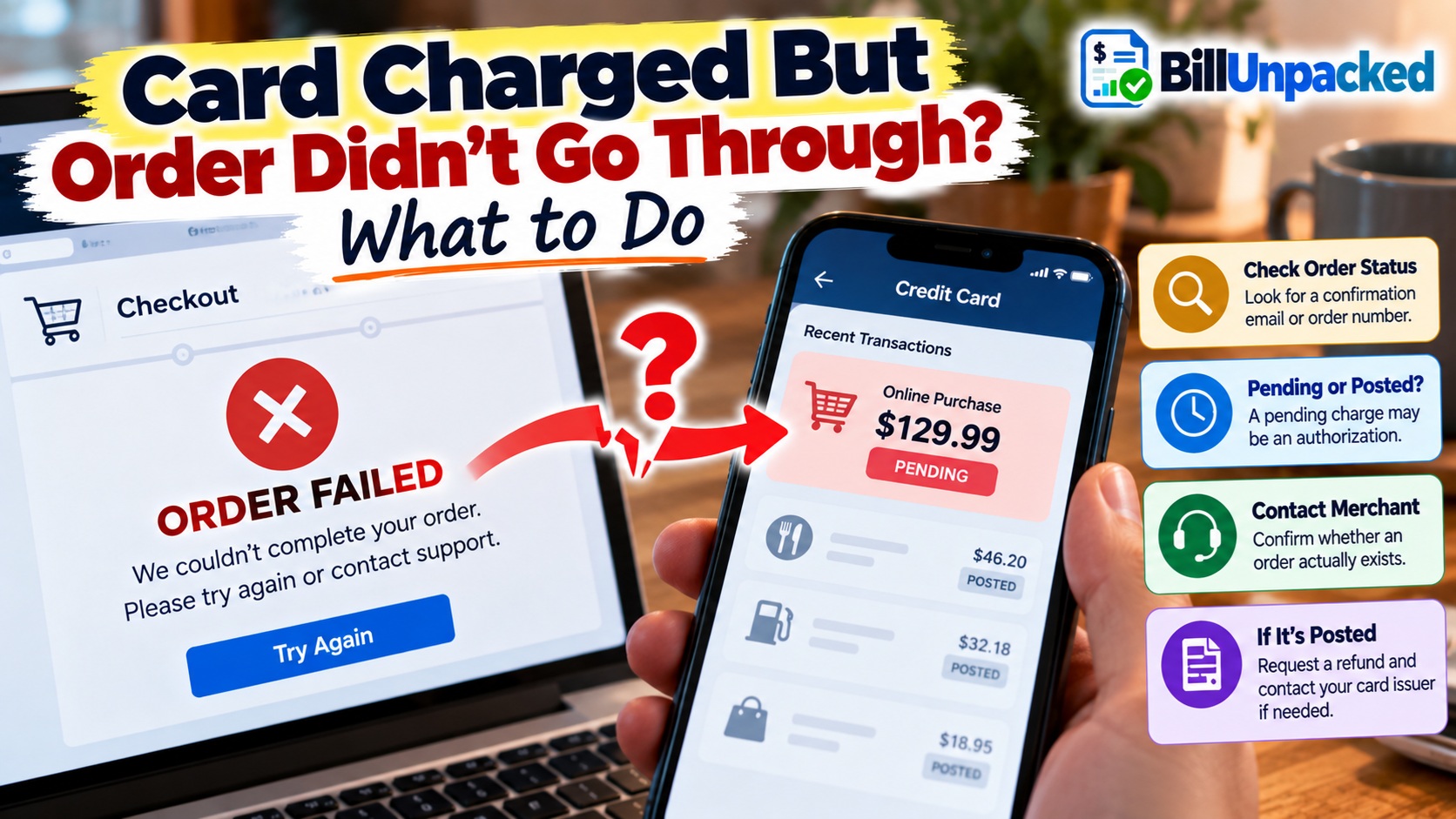
If your credit card was charged but the order didn’t go through, first check whether the transaction is pending or posted. A failed checkout can sometimes leave an authorization pending even though no order was created. If the transaction later disappears, the authorization may have been released. If it posts and the merchant confirms there is no valid order, contact the merchant and your card issuer promptly.
Why Can My Card Show a Charge When the Order Failed?
Card authorization and order creation are related, but they are not always the same technical step.
When you submit a credit-card payment, the merchant can request authorization from the card issuer. The CFPB explains that authorization confirms the account is valid and sufficient credit is available for the purchase.
A checkout can encounter a technical problem after an authorization request has already occurred.
That means you might see a pending transaction even though:
- The checkout page displayed an error.
- You never reached the confirmation page.
- No order number appeared.
- The merchant’s account page shows no order.
- You received no confirmation email.
What Should I Do First?
Do Not Immediately Submit the Payment Again
Repeatedly clicking the payment button can make the situation harder to understand and could potentially create additional authorization attempts or duplicate orders.
First determine what happened to the original attempt.
Look for an Order Number
Check:
- The confirmation page
- Your email inbox
- Your spam or junk folder
- The merchant’s website or app
- Your order-history page
An actual order number is stronger evidence that the merchant’s ordering system created an order.
Check Whether the Card Transaction Is Pending
If the transaction says pending, it may not yet be a finalized charge.
A pending authorization can temporarily affect available credit and later either become a posted transaction or be released.
Contact the Merchant
Give the merchant enough information to locate the attempted transaction, such as:
- Your name
- Email address used for checkout
- Approximate time of the attempt
- Purchase amount
- Items ordered
Do not send your full credit-card number through ordinary email or chat.
Ask:
- Was an order actually created?
- Is there an order number?
- Was the payment captured?
- Was only an authorization requested?
- Was the transaction canceled or voided?
Pending vs. Posted: Why the Difference Matters
| What You See | What It May Mean | Next Step |
|---|---|---|
| Pending + valid order | Payment may still be processing normally | Follow the merchant’s order status |
| Pending + no order | Could be an authorization from the failed attempt | Confirm with merchant and monitor transaction |
| Pending disappears | Authorization may have been released | Verify no separate final transaction appears |
| Posted + no order | A finalized charge appears despite no valid order | Contact merchant and issuer promptly |
| Two posted charges | Possible duplicate billing | Investigate both transactions |
Failed Order Charge Checker
This simple tool helps organize the situation based on the transaction status and whether you have an order confirmation.
What Should I Check Next?
Select the status shown by your credit-card account and whether the merchant created an order.
Will a Pending Charge Automatically Disappear?
It may be released, but you should not assume that every pending transaction will disappear.
The merchant might complete the transaction, release the authorization, or process the transaction differently depending on what happened during checkout.
There is also no single universal pending duration that applies to every merchant, card issuer and transaction.
For more detail, read: Why Did My Pending Credit Card Charge Disappear?
What If the Pending Charge Disappears?
If the transaction disappears and the merchant confirms that no order exists, the authorization may have been released.
Still check your account later for a separate posted transaction.
A disappearing authorization does not by itself prove what happened inside the merchant’s ordering system.
What If the Charge Posts but There Is Still No Order?
This requires more attention.
First contact the merchant and explain that your card shows a posted charge but you have no valid order.
Keep evidence such as:
- Screenshot of the checkout error
- Screenshot showing no order in your account
- Emails from the merchant
- Merchant support transcript
- Card transaction details
- Any failed-payment message
FTC guidance says billing errors can include charges for goods or services that you did not accept or that were not delivered as agreed.
Should I Contact the Merchant or Card Issuer First?
For a recognized merchant and a checkout problem, contacting the merchant can help establish whether an order actually exists and whether the payment was captured.
But if a questionable transaction has posted, contact your credit-card issuer promptly as well so you understand its dispute procedure and do not lose time.
The FTC recommends contacting the card issuer about disputed charges and notes that contacting the seller may also help. :contentReference[oaicite:1]{index=1}
What If I Tried the Order Again?
Now check both your orders and your card transactions.
You might see:
- One failed authorization plus one successful purchase
- Two pending authorizations
- Two separate orders
- One pending and one posted transaction
- Two posted charges
Do not judge duplicates from the dollar amount alone. Compare the transaction statuses and order numbers.
If two charges actually post for one purchase, see: Duplicate Credit Card Charge? What to Do
What If I Never Receive the Order?
This is slightly different from a checkout that never created an order.
For most merchandise ordered online, by mail or by phone, FTC rules generally require sellers to ship within the time they promised. If no shipping time was stated, the general rule is within 30 days. If the seller cannot ship on time, it must follow federal requirements concerning delay notices and cancellation/refunds. :contentReference[oaicite:2]{index=2}
If you were charged by credit card for merchandise that was not delivered as agreed and the seller does not resolve the problem, FTC guidance says the charge can potentially be disputed as a billing error. :contentReference[oaicite:3]{index=3}
What If I Don’t Recognize the Charge?
An unknown merchant transaction is different from a checkout you remember attempting.
If you did not authorize the transaction, contact your card issuer promptly using the official phone number on the back of your card, your statement, or the issuer’s official website/app.
Do not wait for an unfamiliar transaction to post merely because it currently says pending.
What If My Available Credit Dropped?
A pending authorization can temporarily reduce available credit even before it becomes a posted transaction.
That does not necessarily mean the merchant has successfully completed your order.
See: What Is an Authorization Hold on a Credit Card?
What Records Should I Save?
Save These Until the Issue Is Resolved
- Checkout error screenshot
- Merchant name and website
- Date and approximate time of checkout
- Purchase amount
- Cart or item details
- Confirmation emails, if any
- Order-history screenshot
- Merchant support messages
- Credit-card transaction screenshot
- Any refund, cancellation or reversal confirmation
The FTC recommends keeping transaction records, receipts and communications because they can support a dispute if a purchase problem is not resolved. :contentReference[oaicite:4]{index=4}
Bottom Line
If your credit card was charged but the order didn’t go through, determine two things separately:
- Did the merchant actually create an order?
- Is the card transaction pending or posted?
A pending authorization after a checkout error may later be released. A posted charge with no valid order deserves prompt follow-up with the merchant and card issuer.
Avoid repeatedly submitting the payment until you know what happened to the first attempt.
Authoritative Sources
Federal Trade Commission:
Using Credit Cards and Disputing Charges
Federal Trade Commission:
Sample Letter for Disputing Credit and Debit Card Charges
Federal Trade Commission:
What to Do if You’re Billed for Things You Never Got
Consumer Financial Protection Bureau:
How Credit Card Authorization Works