
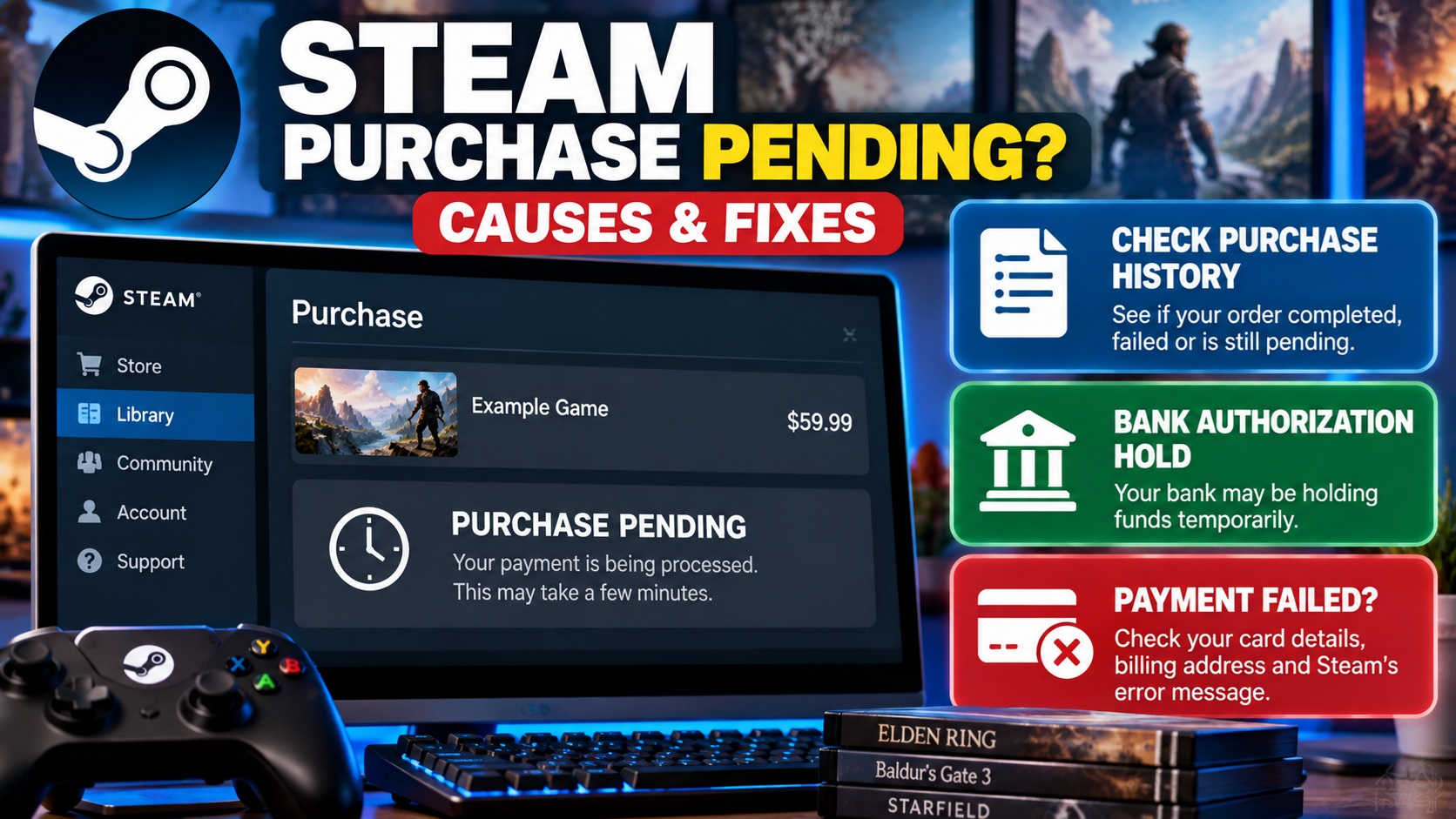
Why Is My Steam Purchase Pending? How to Fix It
If your Steam purchase is pending, the transaction may still be awaiting authorization, or your bank may be holding funds after a failed checkout. First, open Steam → Account Details → View Purchase History to check whether the purchase completed or failed. If Steam says the purchase failed but your bank shows a pending charge, Steam says it does not collect funds held after failed card-verification checks. Your bank releases the authorization according to its own procedures. Avoid repeatedly buying the same game until you understand the first transaction’s status.
Why Is My Steam Purchase Pending?
When you purchase a game, downloadable content, software or Steam Wallet funds, Steam and your payment provider must complete the relevant payment checks.
Sometimes the checkout does not finish as expected. You may see a pending transaction, a purchase-failed message, or a temporary authorization on your bank account.
Steam’s official purchasing guidance identifies several possible causes of failed transactions, including incorrect billing addresses, card-security verification failures, issuer declines, and certain regional or VPN-related problems.
However, a pending label by itself does not identify the exact cause. The first step is to determine what Steam and your bank each show.
Steam Purchase Pending: What Does Your Status Mean?
| What You See | What It May Mean | What to Do |
|---|---|---|
| Purchase pending in Steam | The order has not yet reached a confirmed final state. | Review purchase history and any associated support message. |
| Steam purchase failed, bank charge pending | The issuer may have placed an authorization hold. | Check Steam’s failure message and ask your bank about the hold. |
| Steam purchase completed, game missing | There may be a library or account-access issue. | Check the correct account and contact Steam Support if necessary. |
| Two Steam charges visible | One may be an authorization and another a completed charge, or both may require investigation. | Compare posted transactions with Steam purchase history. |
| Payment declined | The bank or Steam rejected the attempted payment. | Follow the exact error message rather than repeatedly retrying. |
How to Fix a Steam Purchase That Is Pending
Method 1: Check Your Steam Purchase History
Steam confirms that purchase history is available from the client or website. This is the most useful starting point because a bank authorization alone does not prove that Steam completed the sale.
Method 2: Check Whether Steam Actually Declined the Purchase
If Steam displayed an error saying the purchase was not completed, read the message carefully.
Steam documents different troubleshooting instructions for:
- Incorrect billing address
- Credit or debit card declined by the issuer
- Unexpected purchase errors
- Store-country or payment-currency problems
If the transaction failed, do not assume that a pending bank authorization means the game has been purchased.
Method 3: Check Your Billing Address and Card Details
Steam uses payment verification checks that may compare your billing address with the information held by your card issuer.
If you receive an address-verification error, check the street address and ZIP code against your bank’s records.
Steam also explains that an incorrect CVV or other card information can cause a transaction to fail.
Method 4: Try the Steam Client Instead of Your Browser
Steam officially recommends switching purchase methods when a checkout fails.
If you attempted the transaction on the Steam website, try the Steam desktop client. If the client failed, try the official website.
Do this only after checking whether the original order completed, to reduce the chance of making an unnecessary second purchase.
Method 5: Disable VPN or Proxy Software
Steam’s purchasing documentation advises disabling VPN or proxy software when troubleshooting purchase failures.
Steam states that transactions initiated through anonymous proxies will be declined.
If you use a VPN or proxy, disable it, restart the relevant application or computer as instructed by Steam, and then check whether the purchase can be completed legitimately from your normal store region.
Method 6: Contact Steam Support
If your purchase remains unresolved or the error continues, use Steam’s official support system.
Choose Purchases, locate the relevant transaction if available, and select the appropriate issue.
Include the exact error message and the date and amount of the attempted purchase.
Steam Purchase Pending but Money Taken From Bank
This is one of the most confusing Steam payment situations.
You attempt to buy a game, Steam reports that the purchase failed, but your bank app immediately shows the amount as pending or reduces your available balance.
Steam explains that banks may temporarily reserve funds even when an address verification or CVV check fails.
For these failed verification transactions, Steam says it does not collect the held funds.
Contact your bank if you need to know when the authorization will be released.
How Long Does a Steam Pending Purchase Take?
There is no single reliable waiting period for every situation described as a pending Steam purchase.
Steam’s official guidance says some bank authorization holds following failed address or security-code verification can take up to 30 days to release, depending on the bank and its procedures.
Steam’s separate card-decline guidance notes that some CVV-related holds may take up to 10 business days at certain banks.
| Situation | Timing Guidance |
|---|---|
| Steam order still unresolved | No universal completion time; check purchase history and Steam Support. |
| Failed AVS/CVV authorization hold | Steam says release can take up to 30 days depending on the bank. |
| Certain card-decline holds | Steam notes that some banks may take up to 10 business days. |
| Completed purchase refund | Separate refund rules apply; do not confuse this with releasing a pending authorization. |
Important: The 30-day statement is about certain bank holds after failed purchases. It does not mean every Steam purchase remains pending for 30 days.
Can I Cancel a Pending Steam Purchase?
First, check whether Steam offers an available cancellation or purchase-support option for the transaction in your account.
If Steam already declined the purchase and your bank merely shows a pending authorization, there may be no completed Steam payment to cancel.
In that case, the remaining issue is often the bank’s authorization hold.
If Steam completed the purchase, the appropriate process may instead be a refund request, subject to Steam’s refund policy.
Steam Purchase Pending for 24 Hours: What Should I Do?
If a purchase still appears unresolved after a day, check your purchase history and payment-provider account rather than repeatedly attempting checkout.
Determine whether Steam identifies the transaction as failed, completed, or still unresolved.
If the status is unclear, contact Steam Support with the relevant purchase information.
If Steam confirms failure but your bank still shows a pending hold, ask the bank when it expects the authorization to expire.
Steam Purchase Failed but Game Appears in My Library
Steam says it may temporarily allow access to a game while a credit-card purchase is being authorized.
If the payment is ultimately declined, Steam may remove the game from the library and ask you to purchase it again.
Therefore, the game briefly appearing in your library is not always proof that the payment completed successfully.
Steam Purchase Completed but Game Not in Library
If Steam purchase history confirms that the payment completed but you cannot find the game, check whether you are using the same Steam account that made the purchase.
Also confirm that you purchased a standalone game rather than downloadable content or another item.
If the correct account and purchase are confirmed, open the transaction through Steam Support for assistance.
Why Do I See Two Steam Charges?
Two entries in a banking app do not automatically mean Steam collected the money twice.
Compare the transactions carefully:
- Are both pending?
- Has either charge posted?
- Do the dates and amounts match?
- Does Steam purchase history show one completed order or two?
A temporary authorization may disappear without a refund entry. But if two actual posted charges remain for one intended purchase, contact Steam Support and your payment provider with the transaction details.
Can I Retry a Failed Steam Purchase Without Losing a Sale Price?
Steam provides a useful feature for some failed purchases: a saved shopping cart.
Steam says eligible failed purchases can be retried within 72 hours, with applicable sale discounts preserved.
You may find the saved cart through Steam’s purchase-history page or an email from Steam.
Not every failed purchase qualifies. Steam lists exceptions involving some bundles, coupons and recurring subscriptions.
Should I Try Another Payment Method?
Steam recommends an alternative payment method in some card-verification situations.
However, first confirm the previous transaction’s status. A second payment method should not be used simply because a bank authorization is still visible.
If the original purchase failed and the payment issue has been identified, follow Steam’s guidance before retrying.
How to Contact Steam About a Pending Charge
Open the official Steam Support website and select the relevant purchase issue.
Prepare the following information:
- Steam account used for the purchase
- Purchase date
- Transaction amount
- Game or item name
- Exact error message
- Whether the bank charge is pending or posted
Steam specifically warns that its support team will not ask for your full credit-card number, expiration date or CVV.
Steam Purchase Pending: Quick Answers
| Question | Answer |
|---|---|
| Why is my Steam purchase pending? | The order may still be unresolved, or your bank may be holding an authorization after a failed payment. |
| Where do I check purchase status? | Steam → Account Details → View Purchase History. |
| Did Steam take my money? | Not necessarily. Steam says it does not collect certain failed-verification holds. |
| How long can a bank hold last? | Steam says some holds may take up to 30 days to release, depending on the bank. |
| Should I purchase the game again? | First confirm whether the original purchase completed or failed. |
| Can I keep my sale price after a failed purchase? | Some eligible failed purchases have a saved cart valid for 72 hours. |
| What if the game disappears from my library? | Steam says a declined authorization can cause temporary game access to be removed. |
| Who can release a bank authorization? | Ask your card issuer about its authorization-release process. |
Bottom Line
If you’re asking “Why is my Steam purchase pending?”, start by checking Steam purchase history rather than relying only on your bank app.
A failed checkout can leave a temporary authorization hold even though Steam did not collect the money. The bank controls the release of those held funds under its applicable procedures.
If Steam confirms the purchase failed, follow the exact error-specific troubleshooting guidance. If the order remains unresolved, contact Steam Support before attempting multiple payments.
Related BillUnpacked Guides
- Are Pending Transactions Included in Current Balance?
- Pending Transaction Disappeared Then Came Back?
- How to Cancel a Pending Transaction
- How Long Do Pending Transactions Take to Clear?
Official Steam Sources
Steam Support — Purchasing Issues
Steam Support — Incorrect Billing Address
Steam Support — Retrying a Failed Purchase
Last reviewed: October 8, 2026. Steam purchase processing and bank authorization-release procedures vary by transaction and financial institution. BillUnpacked is an independent informational website and is not affiliated with Valve or Steam.