
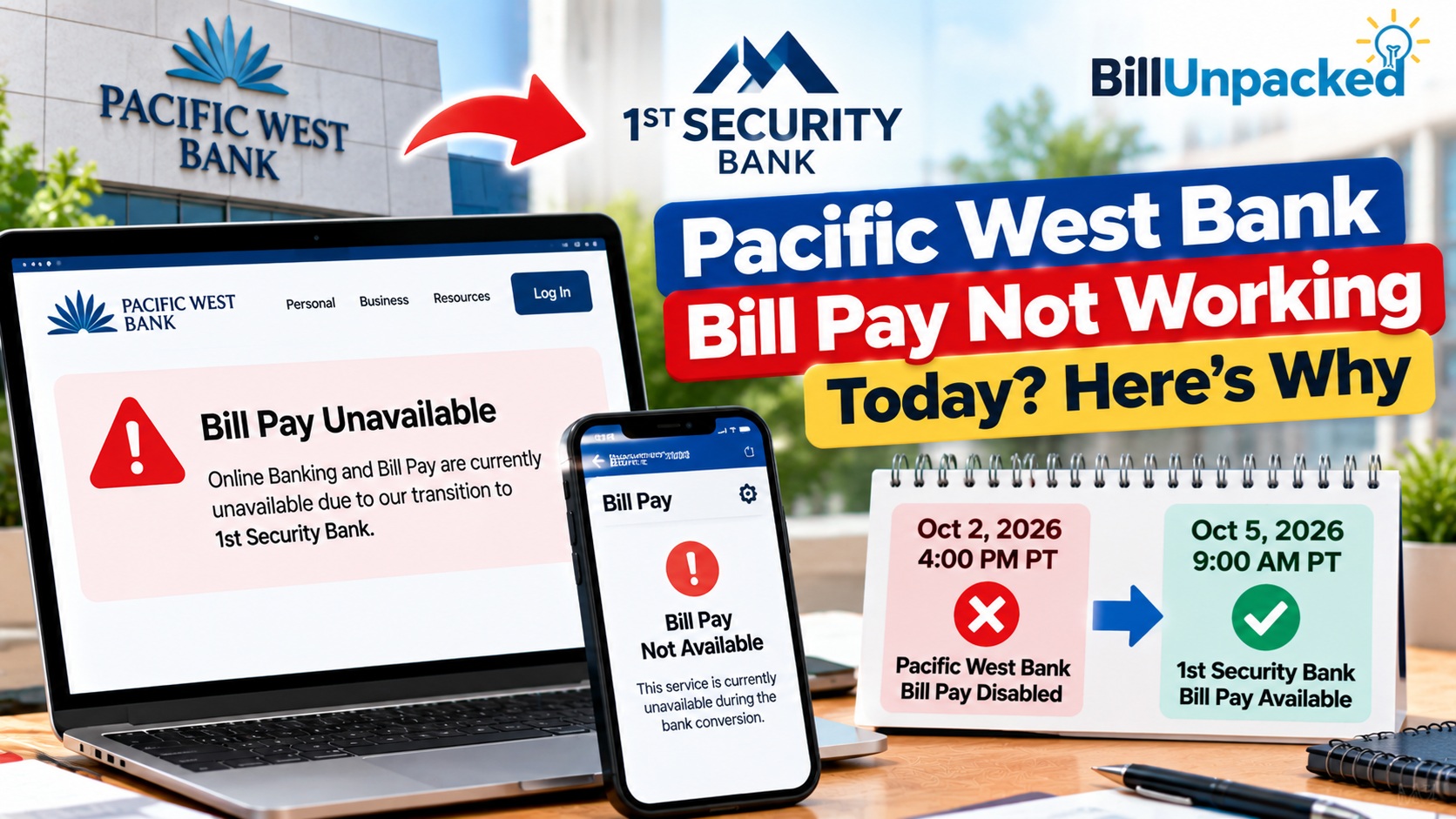
Pacific West Bank Bill Pay Not Working Today? Here’s Why
Quick Answer: Pacific West Bank Bill Pay Not Working?
Updated October 11, 2026: Pacific West Bank’s online and mobile banking services were scheduled to be unavailable from October 2 at 4 PM PT until October 5 at 9 AM PT during the move to 1st Security Bank’s digital banking platforms.
That scheduled interruption has passed. If Bill Pay is still not working, verify that you are using the correct banking platform and check the status of your individual payment. A new widespread outage has not been independently confirmed.
Important: Do not submit the same bill payment twice without first checking whether the original transaction was scheduled, sent or processed.
Pacific West Bank Bill Pay Status: October 2026
| Date | Official schedule |
|---|---|
| October 2, 2026 | Old online and mobile banking scheduled to become unavailable at 4 PM PT |
| October 3–4 | Scheduled banking conversion period |
| October 5 | Access through 1st Security Bank scheduled from 9 AM PT |
| October 11 | Published transition window has ended; individual account access must be checked |
What to Do If Bill Pay Still Does Not Work
1. Check the Correct Banking Login
Use the official banking website rather than an old bookmark or a link received in a text message. Confirm whether your account has been migrated and which login instructions apply.
2. Check Previously Scheduled Payments
Review your payment activity, confirmation numbers and biller records. A payment that does not immediately appear in the new interface should not automatically be treated as canceled.
3. Check Your Payee Information
Verify the payee name, account number, payment amount and delivery date before scheduling a new payment.
4. Contact the Bank for Account-Specific Problems
If you cannot sign in or verify a payment, contact the bank through an official telephone number. Pacific West Bank lists (503) 905-2222 for online banking assistance and (503) 905-2226 for online banking or external-transfer inquiries.
5. Avoid Late Fees and Duplicate Payments
If your bill is due soon, contact the biller and ask whether the payment has arrived. If necessary, discuss an alternative payment method. Keep records of any interruption-related fees and ask the bank or biller whether relief is available.
Official Information and Consumer Resources
What Should You Do Today?
The right action depends on whether you already scheduled the payment.
Can I Fix Pacific West Bank Bill Pay?
There is no browser or phone fix that can restore a banking service the bank has intentionally disabled for a conversion.
For this specific event, avoid wasting time on generic troubleshooting such as:
- Repeatedly refreshing Pacific West Bank Online Banking
- Clearing cookies over and over
- Reinstalling the old mobile app just to restore Bill Pay
- Changing browsers repeatedly
- Resetting your home router
- Repeatedly submitting the same bill payment
The official transition schedule is the relevant explanation.
When Will Bill Pay Work Again?
1st Security Bank says its Bill Pay service is scheduled to become available at:
9:00 AM Pacific Time
The new availability is through 1st Security Bank, not a restoration of the old Pacific West Bank Bill Pay platform.
What Other Online Services Are Affected?
The conversion affects more than Bill Pay.
According to 1st Security Bank’s transition information, Pacific West Bank’s Online and Mobile Banking were disabled at 4:00 PM PT on October 2.
The new 1st Security Bank digital services scheduled for October 5 include:
- Online Banking
- Mobile Banking
- Mobile Deposit
- Bill Pay
- External Transfers
- Zelle
What About Zelle?
Pacific West Bank customers should be aware that the transition also affects Zelle.
1st Security Bank’s conversion instructions say customers need to re-enroll for Zelle on or after October 5.
That is separate from Bill Pay, but it is important if you previously used Pacific West Bank’s digital banking services for person-to-person payments.
What About Recurring Transfers?
1st Security Bank says bill payments scheduled for October 5 or later will be handled by 1st Security Bank.
However, its conversion instructions also tell customers to document recurring transfers created within Online Banking because those transfers will not migrate to the new 1st Security Bank Online Banking system.
Therefore, don’t assume that a recurring transfer is protected simply because scheduled Bill Pay payments are being carried over.
What If My Bill Is Due This Weekend?
If a payment was already scheduled for October 5 or later, don’t create a duplicate merely because Pacific West Bank Bill Pay is currently unavailable.
If you did not schedule the payment and the bill cannot wait for the new service, check the biller’s official payment options. Depending on the company, alternatives may include its website, app or another payment method listed on your bill.
Pacific West Bank vs 1st Security Bank: What Changes?
| Before Conversion | During Conversion | From Oct. 5 |
|---|---|---|
| Pacific West Bank Online Banking | Unavailable | 1st Security Bank Online Banking |
| Pacific West Bank Bill Pay | Unavailable | 1st Security Bank Bill Pay |
| Pacific West Bank Mobile Banking | Unavailable | 1st Security Bank Mobile Banking |
| Existing scheduled Bill Pay | Conversion period | Oct. 5+ payments handled by 1st Security Bank |
| Pacific West Bank Zelle enrollment | Transition | Re-enrollment required |
What If Bill Pay Still Doesn’t Work After October 5?
The currently published schedule says the new service becomes available at 9:00 AM PT on October 5.
If you are reading this after that time and cannot access Bill Pay, don’t automatically assume the conversion schedule has changed.
First check:
- That you are attempting to use the new 1st Security Bank service
- Your new banking login information
- Any updated transition notice from 1st Security Bank
- Whether your specific payment or payee appears in the new system
For an account-specific problem, contact 1st Security Bank through its official support channels.
Quick Answers
| Question | Answer |
|---|---|
| Is Pacific West Bank Bill Pay down today? | Yes. It was intentionally disabled at 4:00 PM PT on October 2 as part of the transition to 1st Security Bank. |
| When will Bill Pay work again? | 1st Security Bank Bill Pay is scheduled to become available at 9:00 AM PT on October 5, 2026. |
| What happens to payments already scheduled? | 1st Security Bank says bill payments scheduled for October 5 or later will be handled by 1st Security Bank. |
| Should I pay the same bill again? | Not automatically. If it was already scheduled, verify the original payment before creating a duplicate. |
| Will recurring transfers migrate? | 1st Security Bank says recurring transfers created within Pacific West Bank Online Banking will not migrate. |
| Do I need to re-enroll in Zelle? | Yes. The transition instructions say customers will need to re-enroll on or after October 5. |
Bottom Line
If Pacific West Bank Bill Pay is not working today, the cause is confirmed: Pacific West Bank’s old Bill Pay and Online Banking services were intentionally disabled at 4:00 PM PT on October 2, 2026 for the transition to 1st Security Bank.
The replacement 1st Security Bank Online Banking and Bill Pay services are scheduled to become available at 9:00 AM PT on October 5.
Most importantly, if you already scheduled a Bill Pay transaction for October 5 or later, don’t automatically create another payment. 1st Security Bank says those scheduled payments will be handled by the new bank.
Official Sources
1st Security Bank — Online & Mobile Banking Conversion
Pacific West Bank conversion and Bill Pay schedule
1st Security Bank — Welcome / Save the Dates
Official Pacific West Bank transition dates
Last checked: October 3, 2026. BillUnpacked is not affiliated with Pacific West Bank or 1st Security Bank. This article summarizes the banks’ published transition schedule. Service availability can change, so use the official bank website for the latest account-specific information.