
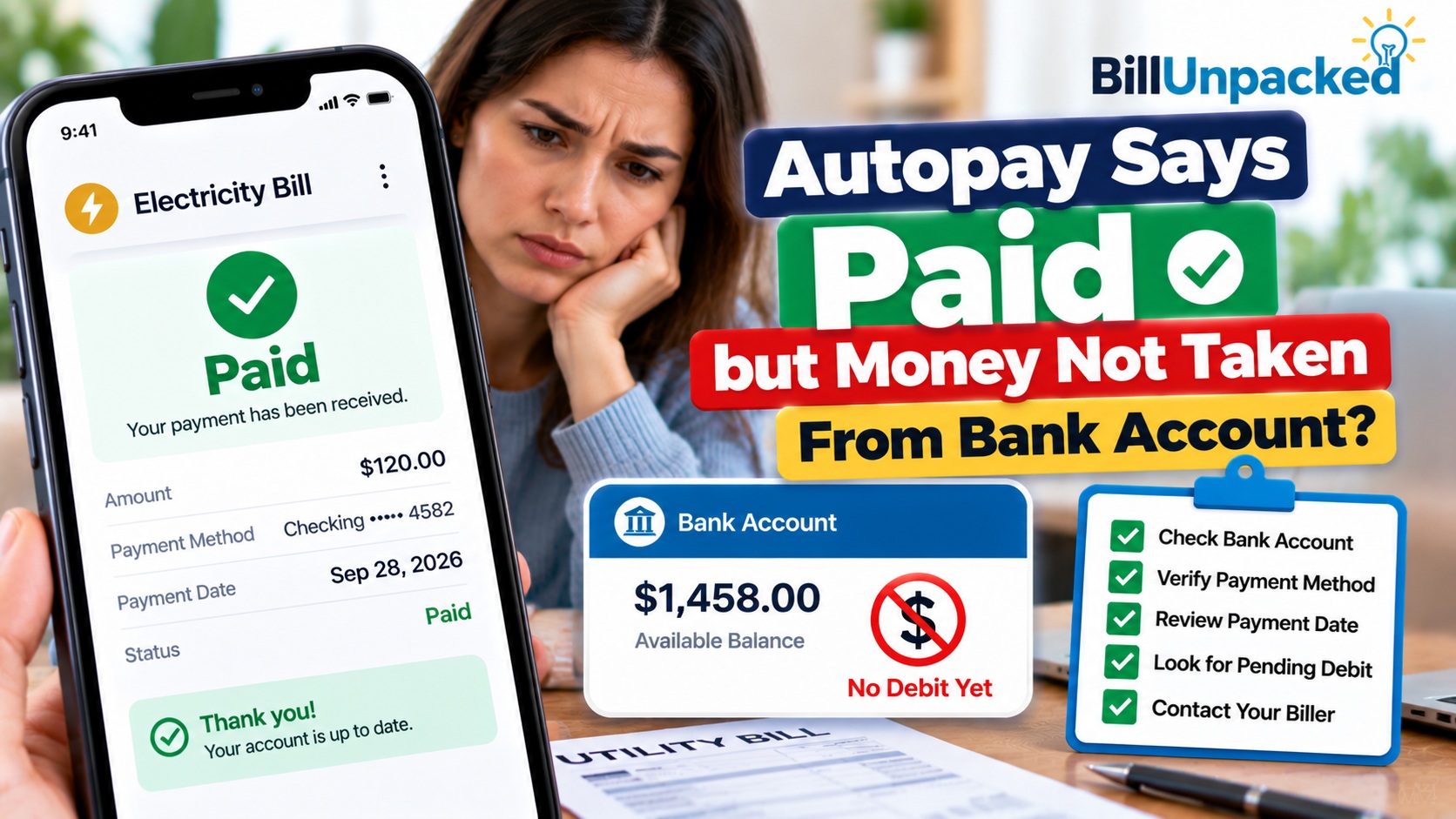
Autopay Says Paid but Money Not Taken From Bank Account
This situation can be confusing because the two accounts seem to tell different stories:
- The biller says Paid.
- Your bank balance has not changed.
The safest approach is to keep the payment amount available while you verify what happened.
What Should You Check First?
| Check | Why It Matters | What to Do |
|---|---|---|
| Biller status | Paid, Scheduled and Processing can mean different things. | Open the payment details, not just the account homepage. |
| Bank transactions | The debit may be pending or may not yet appear as posted. | Check both pending and posted activity. |
| Funding source | Autopay might use another account or card. | Verify the payment method shown by the biller. |
| Payment confirmation | It helps document what the biller says happened. | Save the confirmation number, date and amount. |
| Available funds | The debit could still be presented. | Avoid spending the payment amount until the status is clear. |
1. Does It Really Say Paid?
Start with the biller’s website or app and open the specific transaction.
Look for wording such as:
- Paid
- Payment received
- Processing
- Scheduled
- Pending
- Completed
Don’t assume all of these mean exactly the same thing.
2. Check Both Pending and Posted Bank Transactions
Open the bank account linked to autopay.
Check:
- Pending transactions
- Posted transactions
- Available balance
- Recent withdrawals
- The transaction description or merchant name
Don’t search only for the exact company name you recognize. Transaction descriptions can sometimes appear differently in bank records.
3. Verify Which Account Autopay Used
This is one of the easiest checks to overlook.
Your bill may say Paid while you’re watching the wrong checking account.
Inside the biller’s autopay settings, verify:
- Bank or card used
- Last four digits
- Checking or savings
- Payment amount
- Scheduled date
If a debit card was used instead of a bank-account debit, check the account associated with that card as well.
Autopay Paid-but-No-Debit Checker
What Should You Do Next?
This tool cannot access your bank or billing account.
4. Don’t Make a Second Payment Yet
When you don’t see money leave your bank account, it can be tempting to pay again “just to be safe.”
That can create a duplicate-payment problem if the first payment is still being processed.
5. Don’t Spend the Money Yet Either
The opposite mistake is assuming that because the debit isn’t visible, the money is yours to spend.
Keep at least the payment amount available until you’ve established whether the automatic payment will still be debited.
The CFPB advises consumers using automatic payments to monitor their accounts and ensure enough money is available when payments are scheduled. If an account is too low, overdraft or nonsufficient-funds fees may be possible depending on the circumstances and account terms.
6. Autopay vs Bank Bill Pay: Know Which One You Used
This distinction matters when figuring out where the payment is.
The CFPB distinguishes two common setups:
| Payment Type | Who Initiates It? | Where to Start Checking |
|---|---|---|
| Automatic debit | You authorize the company to take recurring payments from your account. | Start with the biller’s payment record and then compare your bank account. |
| Recurring bank bill pay | You instruct your bank or credit union to send recurring payments. | Start with your bank’s bill-payment history. |
The CFPB confirms that these are different payment arrangements.
7. Save the Payment Confirmation
If the company says the bill is Paid, save evidence of that status.
Record:
- Payment confirmation number
- Amount
- Date
- Funding method shown
- Screenshot or PDF receipt, if available
This information can be useful if the payment status changes later or you need to ask the company what happened.
8. What If the Biller Changes Paid Back to Unpaid?
Don’t assume why this happened.
Check whether the biller provides a failed-payment or returned-payment notice and compare it with your bank records.
If the payment was returned or failed, determine the actual reason before attempting another payment.
9. What If Several Days Pass With No Bank Debit?
There isn’t one universal number of days that applies to every biller, bank and payment method.
Rather than publishing an arbitrary “wait three days” or “wait five days” rule, check the payment information supplied by the company and your financial institution.
If the bill still says Paid but no corresponding debit can be located, contact the biller and ask:
- Was the payment actually submitted?
- Which payment method was used?
- What date was it processed?
- Is the payment final or still processing?
- Is there a transaction or confirmation number?
10. What Should You Ask Your Bank?
If the biller’s records indicate a payment was submitted from your bank account but you cannot locate it, contact your bank or credit union.
Have these details ready:
- Payment amount
- Payment date
- Biller name
- Account ending digits
- Payment confirmation/reference information
Ask whether the bank can identify a corresponding pending or posted transaction.
11. What If the Bank and Biller Disagree?
Document both sides.
Save the biller’s payment confirmation and your relevant bank transaction history.
If you believe an electronic fund transfer from your consumer bank account was incorrect, missing from a statement when it should have appeared, or unauthorized, Regulation E contains error-resolution protections for covered electronic fund transfers. The CFPB explains that covered errors include certain incorrect EFTs, omitted EFTs and unauthorized EFTs.
A simple question about whether a payment was debited is not by itself an allegation of an error under Regulation E, so clearly explain the problem to your financial institution if you believe an actual error occurred.
12. What If an Unexpected Debit Appears Later?
Compare it with the payment confirmation before assuming it is unauthorized.
Check the amount, biller, date and funding account.
If you truly do not recognize or did not authorize an electronic transfer, contact your bank or credit union promptly.
13. Should You Turn Off Autopay?
One delayed-looking debit doesn’t necessarily mean you need to cancel autopay.
First determine what happened to the current payment.
If you decide to stop automatic debits from a bank account, the CFPB says you have the right to revoke permission for a company to take automatic payments. However, stopping automatic payments does not cancel the underlying bill, loan, subscription or other amount you owe.
14. When Should You Contact the Biller?
Contact the biller when:
- It says Paid but you cannot find a debit
- You need to confirm the funding method
- The Paid status later disappears
- The payment changes to Failed or Returned
- You need a transaction reference
- You are unsure whether another payment is necessary
15. When Should You Contact the Bank?
Contact your bank or credit union when:
- The biller says a bank debit was submitted but you cannot find it
- Your bank and biller show conflicting transaction information
- An unexpected debit later appears
- You believe an EFT is incorrect
- You see a transfer you did not authorize
Quick Answers
| Question | Answer |
|---|---|
| Why does autopay say Paid but money is still in my bank? | The biller’s status and your bank’s transaction record may not update at the same point. Check pending and posted activity and verify the funding source. |
| Can I spend the money? | It is safer to keep the payment amount available until you know whether the debit is still coming. |
| Should I pay the bill again? | Not until you verify that the original payment actually failed or was returned. |
| Could autopay have used another account? | Yes. Check the exact bank account or card shown in your autopay settings. |
| How many days should I wait? | There is no universal waiting period that applies to every bank, biller and payment method. Use the transaction information provided by the institutions involved. |
| What if I don’t recognize a later debit? | Compare it with your payment confirmation. If you believe it is unauthorized, contact your bank promptly. |
Bottom Line
If autopay says Paid but money hasn’t been taken from your bank account, don’t immediately spend the money and don’t pay the bill again.
Check the biller’s detailed transaction status, your bank’s pending and posted activity, and the exact funding method attached to autopay.
Keep the payment amount available and save the confirmation. If the biller continues to show Paid but no matching debit can be located, contact the biller and your bank for transaction-specific information.
Authoritative U.S. Sources
Consumer Financial Protection Bureau
How automatic payments from a bank account work
CFPB — Electronic Fund Transfers FAQs
Electronic Fund Transfer error-resolution information
Regulation E — 12 CFR § 1005.11
Procedures for resolving EFT errors
Consumer Financial Protection Bureau
How to stop automatic payments
Independent consumer information: BillUnpacked is not a bank, utility, lender or payment processor. Processing procedures and transaction statuses vary by provider and financial institution. This article provides general educational information and cannot inspect your bank or billing account.